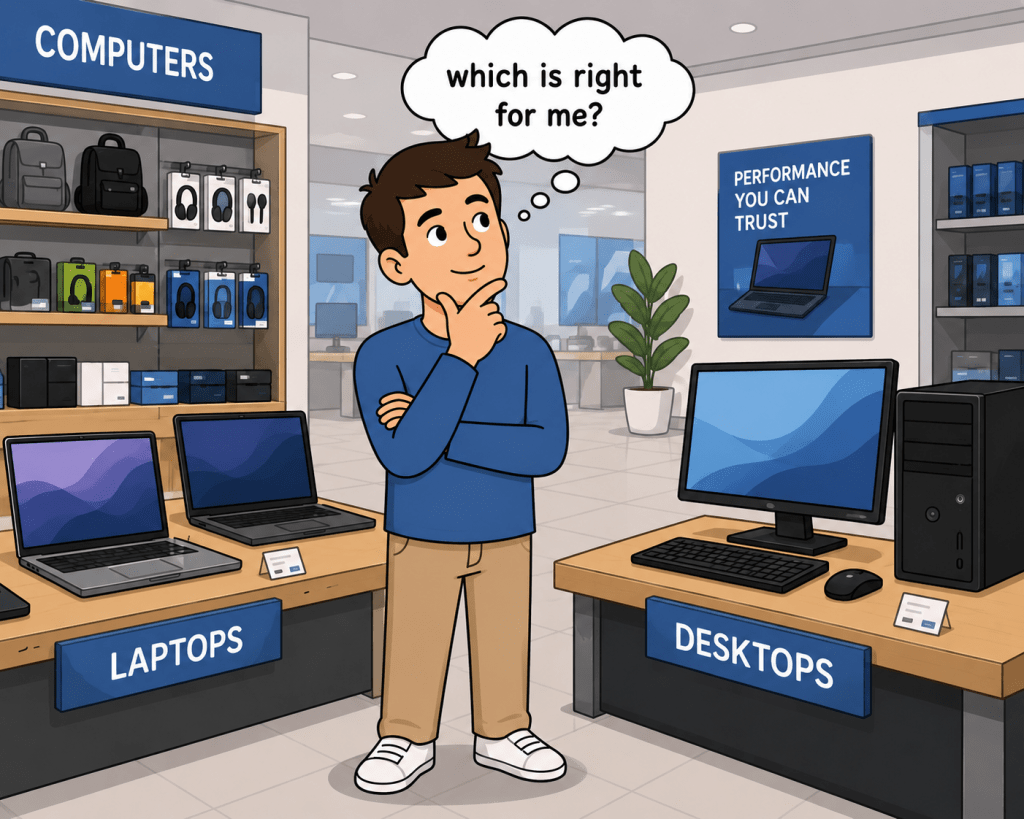
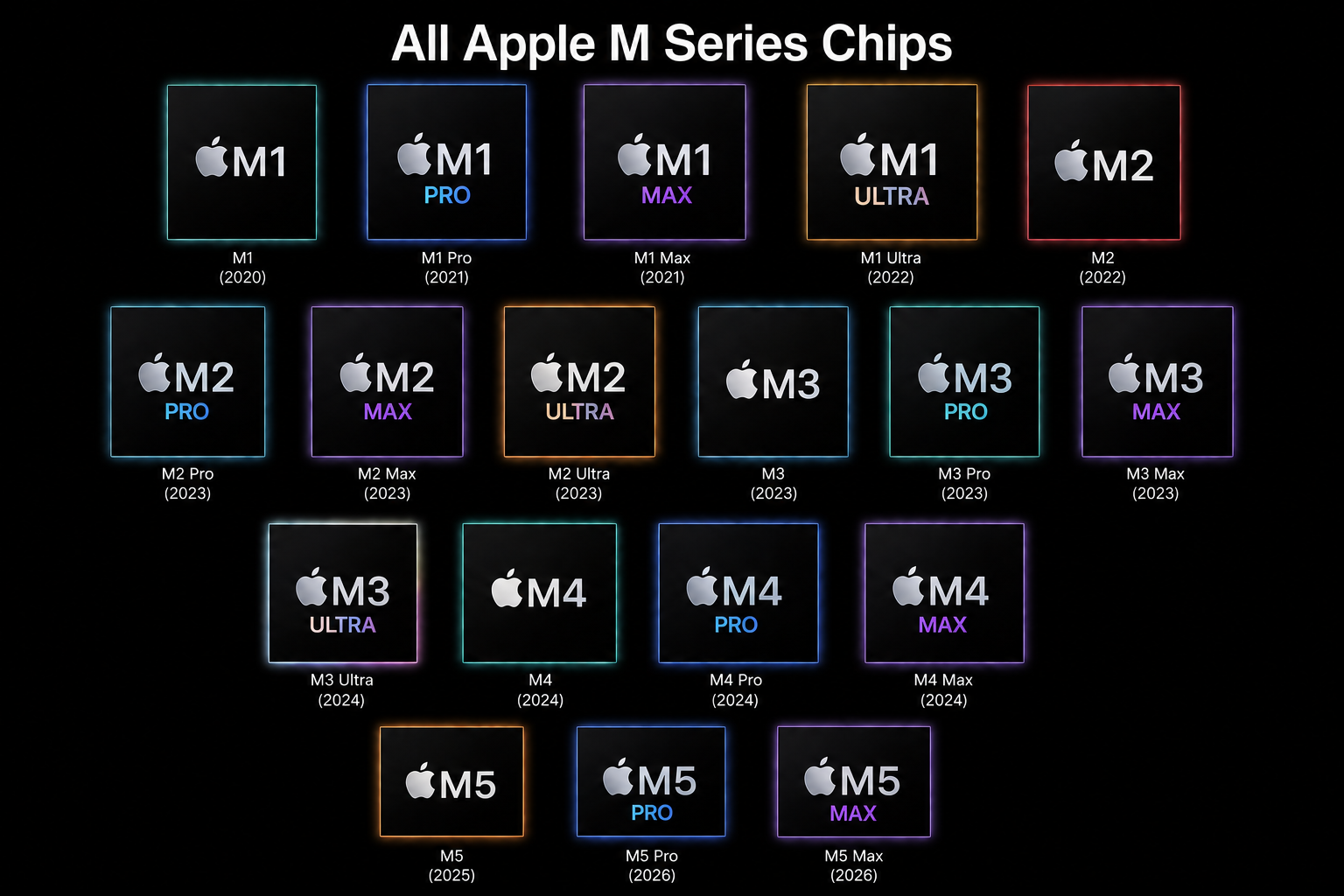
Apple Silicon has really taken off since its release in 2020. All the crazy power that Apple Silicon brings today for Consumers and Enterprise, the choices, specs, might give anyone pause simply because even the five year old M1 Pro’s and M1 Max are still capable chipsets with decent battery life compared to today. Still, do I buy an M5, an M5 Max or M3/M4? Maybe M1? What about connectivity? The choice isn’t hard…. If you think about your workflow. Let’s look deeper.

Summing up my M1 and M5 journey was pretty simple. To the M1 Pro MacBook Pro, I loathed all the freezing, overheating, and touch bar issues from the Intel Macs and I really… really missed MagSafe. The redesigned MacBook Pro comes out with a new design, Rosetta 2, and a new architecture and I was completely smitten. It sounded like it would totally serve my purpose except. There was no Windows support using Parallels at the time and I adored Bootcamp on the Mac for running Windows.
Fast forward to the release of M3, I bought an M3 Max almost fully spec’d. I had 96GB of unified memory with a 16 Core CPU and 40 Core GPU with 2TB of storage. For my personal and work on a single system, I was much more focused on specs than my workflow for the course of my entire life. That said I would advise people all the time to take a persona based approach to their hardware needs. Define how and what you’re going to use the tools for so you avoid overspend and balance power, performance, price with a system that fits your purpose. So why not apply the same level of thinking to my next technology purchase?
Define your workflow
At the core, it all starts with you. In IT, we refer to this as a persona. Meaning, we identify how a user, or groups of users work, identify all the commonalities and then create a “persona” for that group. This persona could be apps, locations, departments, tool function requirements, job role functions and so on. While the persona is slowly fading in business, the persona is relevant in the consumer market because its just you.
Since this was a party for me, the first thing I needed was to make a list of all the things that work on the laptop and what doesn’t, then apply the same thing to what I dislike, workstation setup, and tools I use.
What is working with my current setup:
- I never notice slow downs with my hardware
- I haven’t hit a limit on what I can multitask with
- Screen is bright when I’m working in airports, conference rooms or other places
- I have enough connectivity for my needs
- Webcam is perfect for my needs
- No app compatibility issues
- No monitor support issues
- Windows and macOS VM support experiences no issues
What challenges do I have?
- A 16 inch MacBook Pro is too heavy for travel
- I can’t work on my laptop on an airplane
- Reflective screen causes eye strain in bright areas when I travel
- Display scaling with different monitors can be frustrating
- My current and past setups have required too many cables, connectors, power bricks, docking stations creating clutter and making cable organization difficult
- I wasted money on too much overhead that I haven’t hit from a ceiling perspective
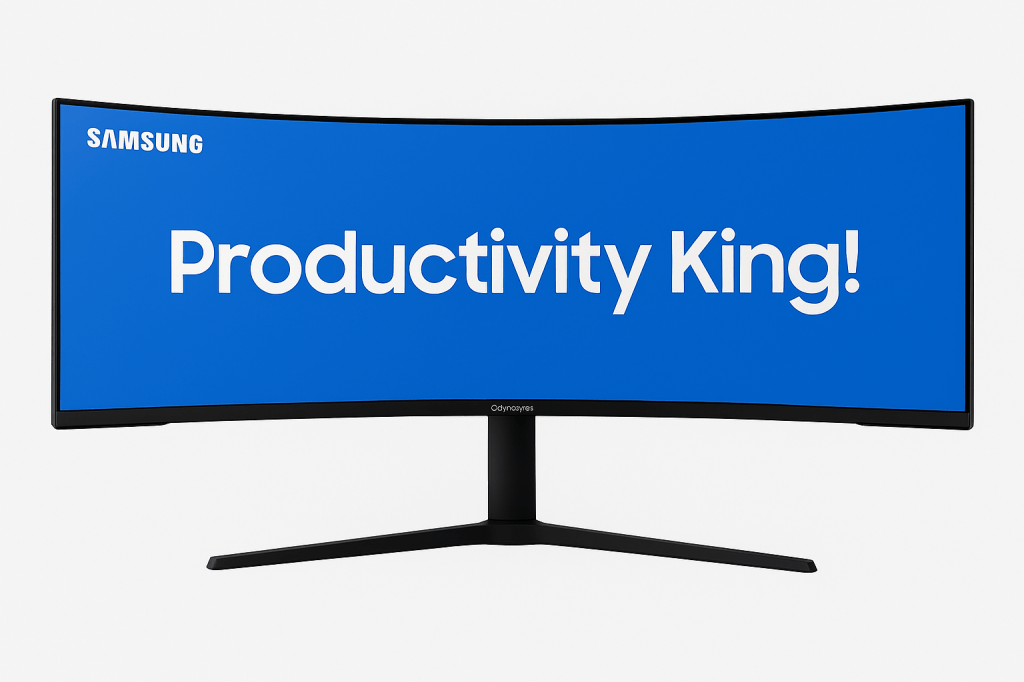
- The super ultra wide Samsung worked well but was too large for my new desk dues to the extreme curvature of the display versus the desk depth
- I want all my changes to last me AT LEAST 3-4 YEARS.
When you look at the list above, it becomes clear that my issues are not bottlenecks in performance, but more around my workflow. Last year I took 30 trips across the globe, and it was clear that I needed a powerful workstation that was portable, and solved some of the at home docking issues I experience with the setup I use.
In Summary
- Performance was perfect
- Laptop is over spec’d for my needs equaling out to wasted money
- Workflow is impeded by laptop size, weight, screen reflection, and at desk configurations
- I am anti reflective screen on my laptop and the iPad with Nanotexture has spoiled me
Whhhoooo Are You?? Who Who…
Sorry I had to do it. So I knew that after that list, I needed to look at my workflow more in depth and see where I over spec’d, see where I can make improvements, and see if I can solve my other challenges.
I’m an IT Professional who focuses on Device Management, Strategy, and Planning of infrastructure for businesses of all sizes during my day job. I use a host of different tools, virtual machines, script testing, I whiteboard, write detailed architecture documents, and I have a lot of tabs open in Edge or Chrome. I also like either 1 large format monitor or 3 smaller monitors (27-32in) etc. Off hours, I’m building a secret project as a side hustle that has nothing to do with my main career. I also use it for your standard home things like paying bills etc. I almost never use it for content consumption. I do use tools like Final Cut, Blender, Planner5D, Shapr3D, Adobe Creative Cloud, Office, iWork, Mindmapping, and Windows specific software on a VM so I have a varied purpose for my laptop. After looking at this, it again says, you do not have a spec problem because you have head room. I dislike Display Link on my Mac but it’s not a bad product. It’s just one more piece of software I needed to use to support my monitors if I were to go beyond the limits of the Mac I chose. Not to mention I like to use my iPad Pro as a monitor as well whether I am at home or traveling.
Based on this, my workflow says:
- I need less memory than 96GB but more than 48GB since I have one tool requiring 32GB of memory for most of the day
- I want a Mac that has a less reflective screen or matte finish
- I would like to reduce my dependency on cables, adapters, docks, and other accessories
- I want to leverage my iPad Pro on my desk more effectively as another screen or using sidecar to leverage Apple Pencil Pro for white boarding
- I need a smaller form factor for travel that has similar battery life and performance
- I need support for three (3) monitors
Choice Time
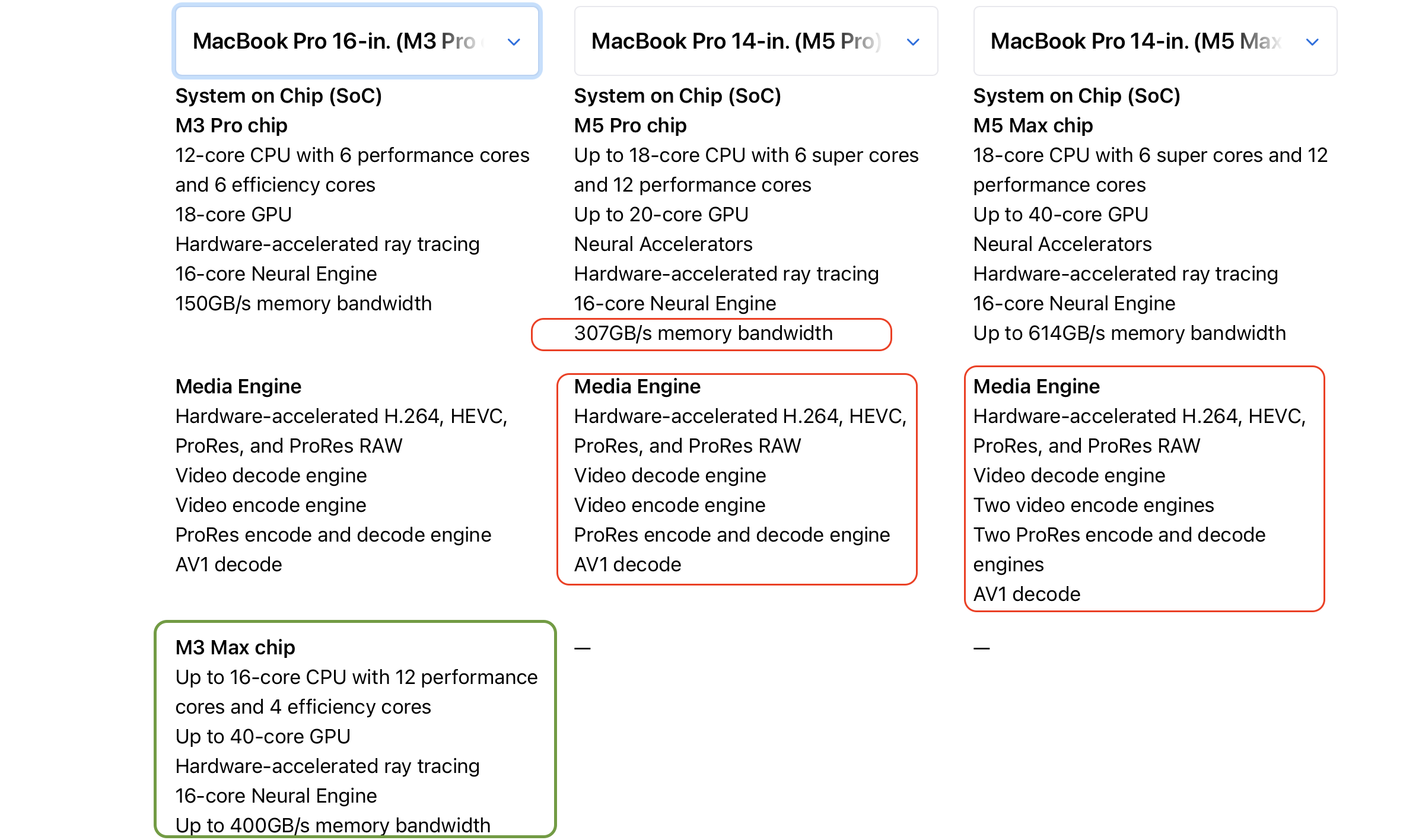
Going to Apple’s website is great way to compare your devices if you’re planning to upgrade. Coming from an M3 Max, it was very clear that the M5 Max would have had all the performance needed compared to the M3 Max and there wasn’t much I needed to review in that space. M5 Pro…. Makes it more interesting.
Spec for Spec, the M3 Max still shows a loss to M5 Pro, but did it matter? Based on my persona
- 96GB to 64GB of memory would not create an unexpected ceiling. M5 Pro now supports 64GB of Memory. At my heaviest I was only using about 40Gb of memory so I still had plenty of room to grow
- I would lose 100Gb of bandwidth on the memory but memory pressure has never ever been a problem with my workflow
- I maintained the same encoding engines for the video workflow and do not see a need for me to double those when they perform just fine
- M5 Pro supports 3 monitors so I have no monitor limitation
- I’d lose some GPU cores, but I end up with more CPU cores so for my workflow it balances out
- Going with M5 Max was a $1000 dollar increase over the M5 Pro and nothing in my workflow said, you’re going to top that out in the next 3 years.
Below you can see the comparison from Apple between my options.
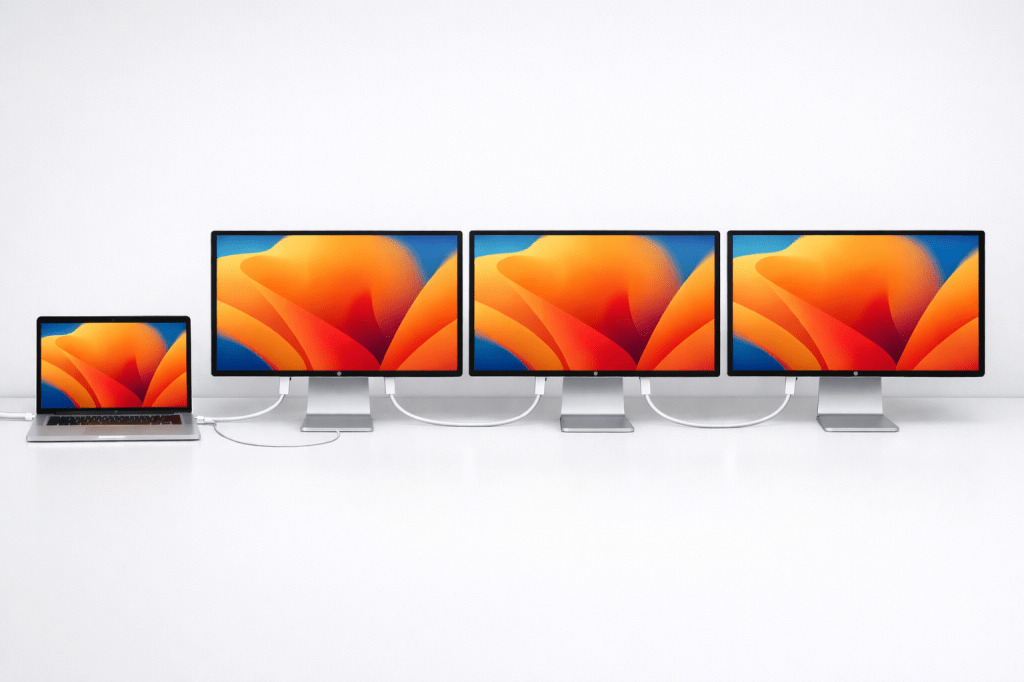
That brings us to connectivity. Basically either the M5 Pro or M5 Max gives us the same speed and performance. WiFi 7 and Thunderbolt 5 with Daisy chaining capability. Far better than the M3 Max which requires multiple cables to the laptop, or a dock, further adding more and more cables, things to manage, and accessory costs if I needed to buy docks, a better webcam, microphones, and speakers. So whether it was M5 Pro or M5 Max, I was going to get better I/O and Nanotexture display which solves a huge issue when I travel. If I went with the M5 Pro, it met all my criteria, gave me headroom to grow, and saved me $1000 dollars.
Accessories and Monitors
My desk was using a 57 inch Samsung Odyssey G9 Mini LED monitor but the monitor curvature placed it way too close to my face.
I also had some spare monitors sitting around from previous setups that I would use depending on certain needs but they’ve just been collecting dust. Not all monitors are pictured below but you get the idea.
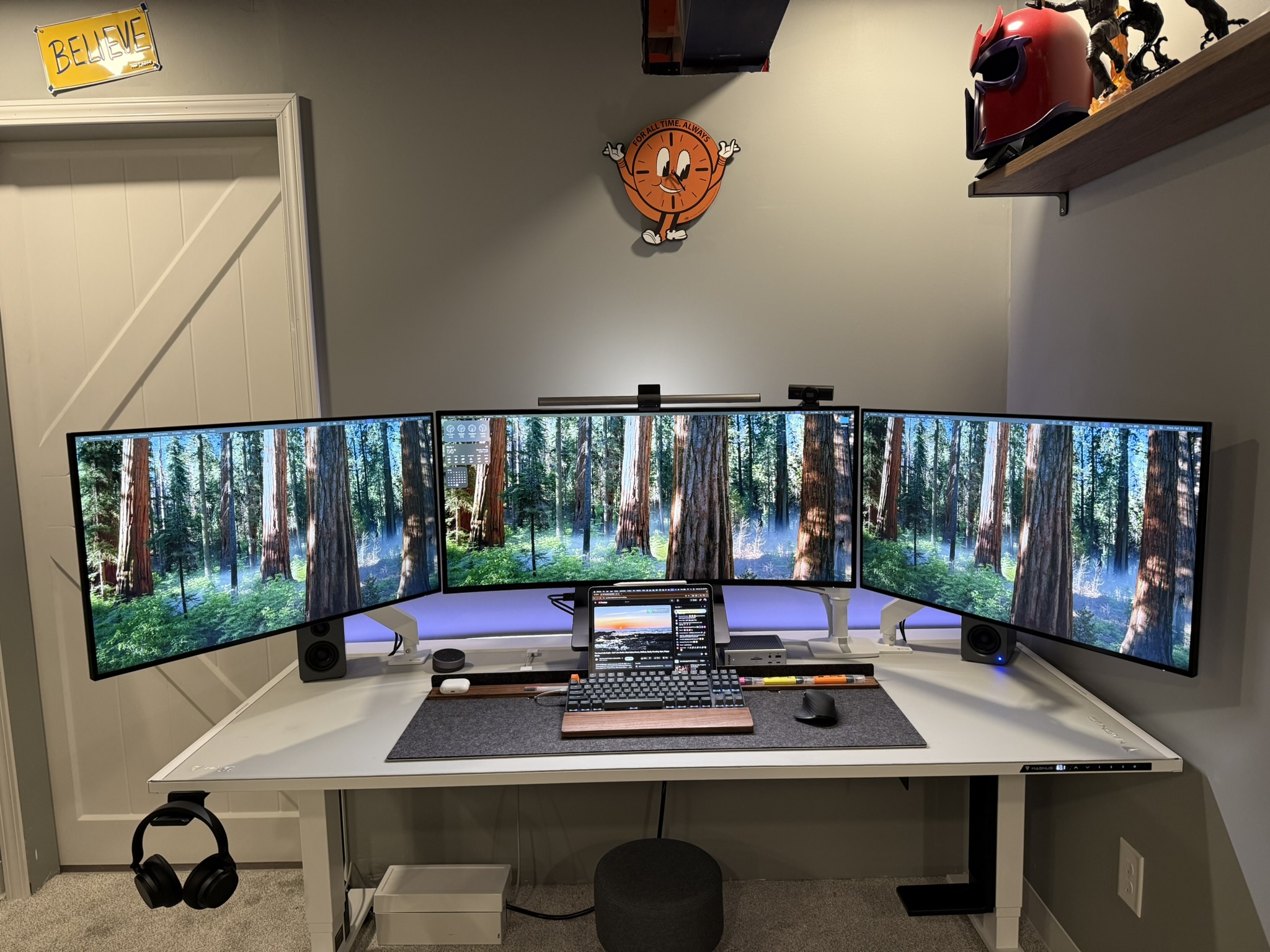
So I sold that and all my spare monitors except for one but I knew I wanted to have three monitors for my main but also wanted a dedicated workspace on my L desk for customer equipment or for work.
I also knew I wanted VESA mount displays for all my monitors. Even Apple Displays have a stand footprint that is just too much when you have a desk less than 26 inches in depth. Thankfully I had 3 relatively sturdy monitor arms for the main. I plan to write an article on selecting monitor arms so stay tuned for that. I’ve tried different orientations with multiple monitors focused horizontally, stacked, vertical and so on, but I’ve found 3 monitor arms to be the most flexible for me since my space has been limited behind the desk and against walls.
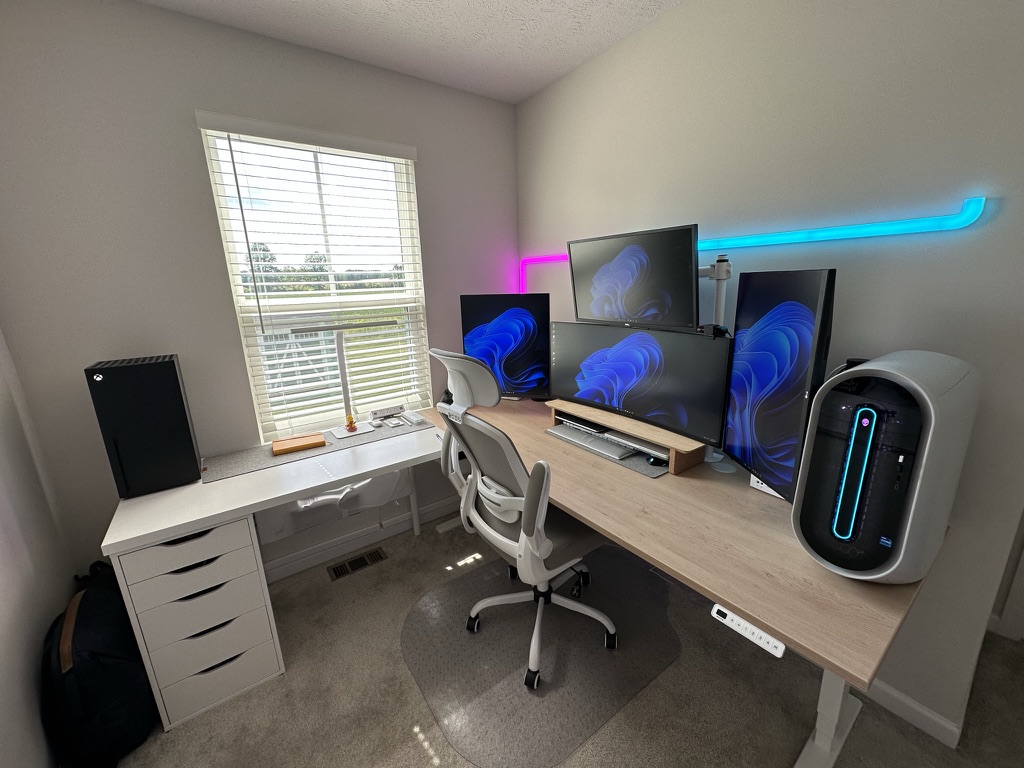
Or
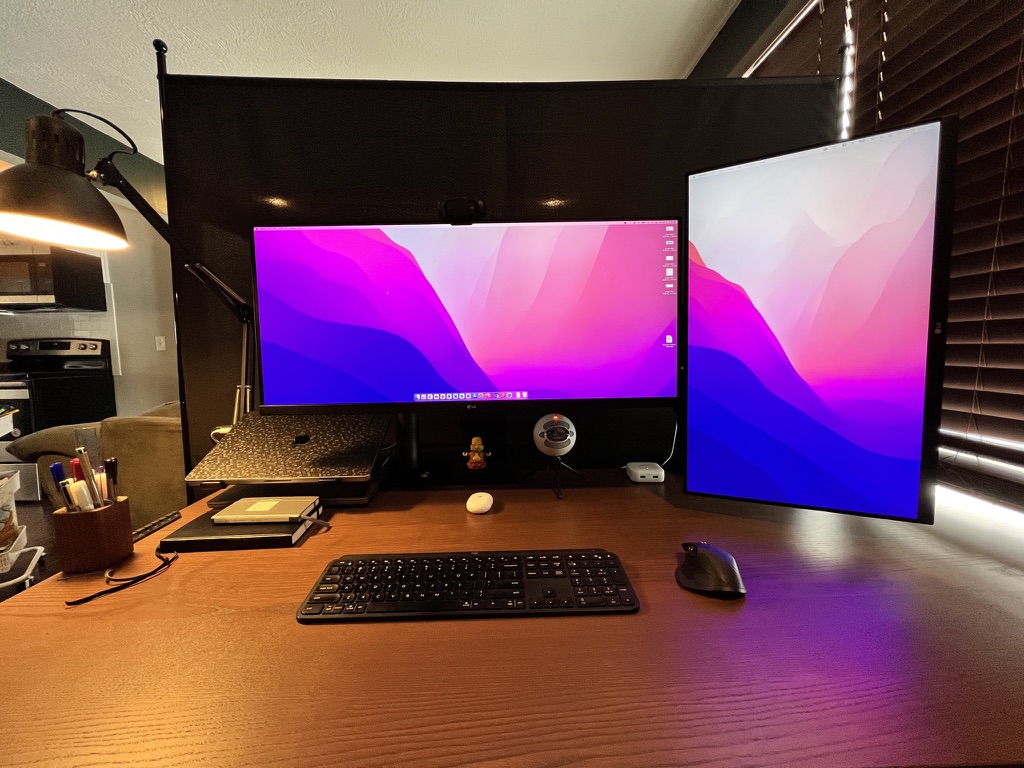
So I didn’t need to budget for them for now. I may update to a much better set of art in the future, but I had enough to meet my needs, and match.
Since I wanted to ditch the dock, I still needed to have a way to transfer data from memory cards and connect USB sticks easily whether they are USB-A or USB-C. When Apple released the M1 iMac, Satechi released a really great accessory that clamps to the monitor and connects to the USB-C connection on the rear. They used to make them in color but now it’s just Silver. This filled this need without having to worry about another item on the desk or under, and long cables to manage and to top it off its really inexpensive making it a great choice.
The money from reselling my old items reusing parts around the house that were sturdy, and changing for a better workflow that more accurate fit me, it created some flexibility I didn’t expect when building my new setup so I was able to add some very high quality monitors to my desk.
The Result
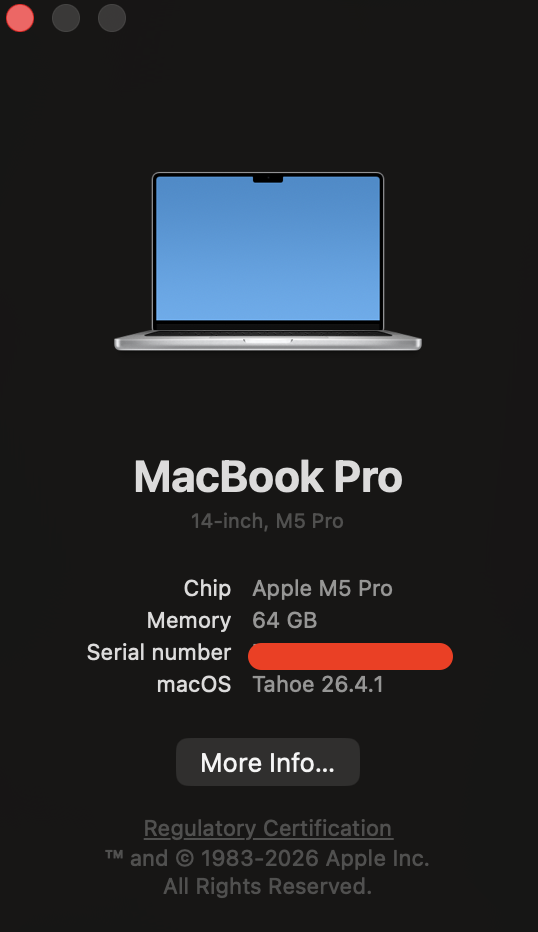
Since I chose the M5 Pro, I was able to get it with everything I needed. 18 Core CPU, 20 Core GPU, Nanotexture display AND 64GB of memory and it was the best decision I’ve made so far even though I’m only a month into it.
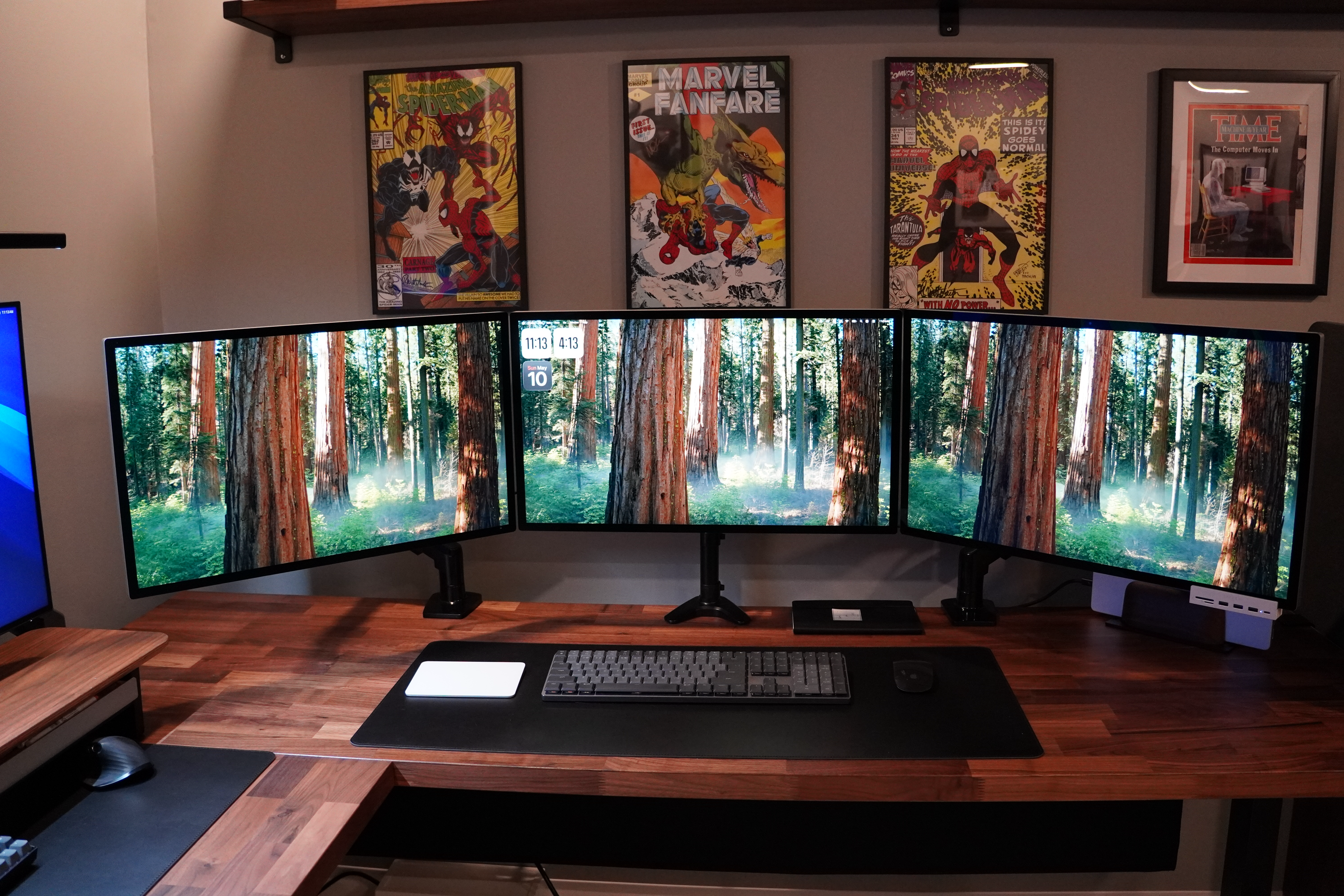
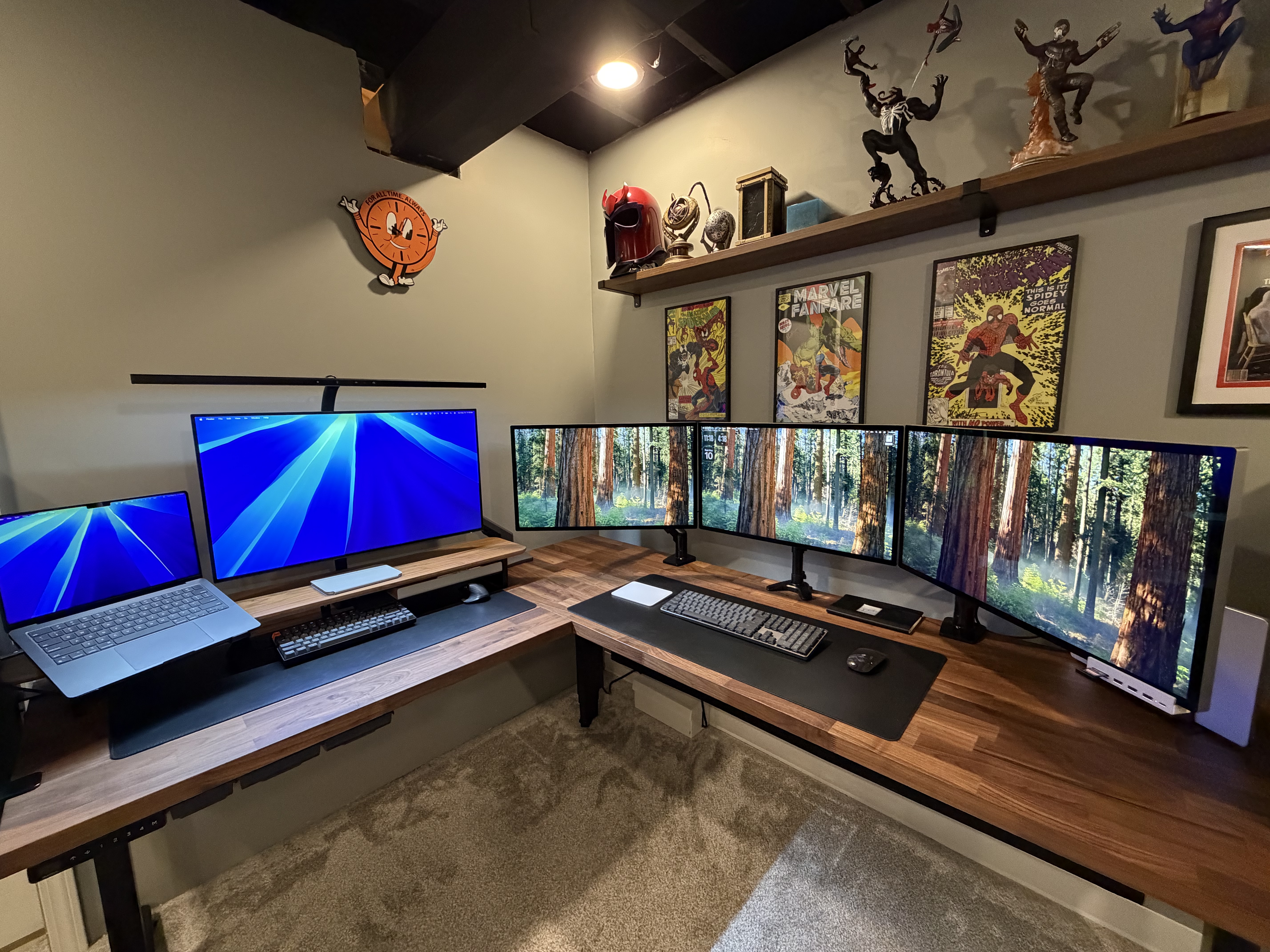
From a monitor/accessory perspective, I went from over 20 different cables including power cables to 8.
Then on the secondary setup, only 3. The Dell 3223QE I kept for my secondary setup has a built in Hub that has been rock solid compared to the Samsung and others I’ve tested over the years. Built in speakers get the job done for both setups. I’m not an audiophile so I have no need for monitor speakers and I can get the same output with solid headphones.
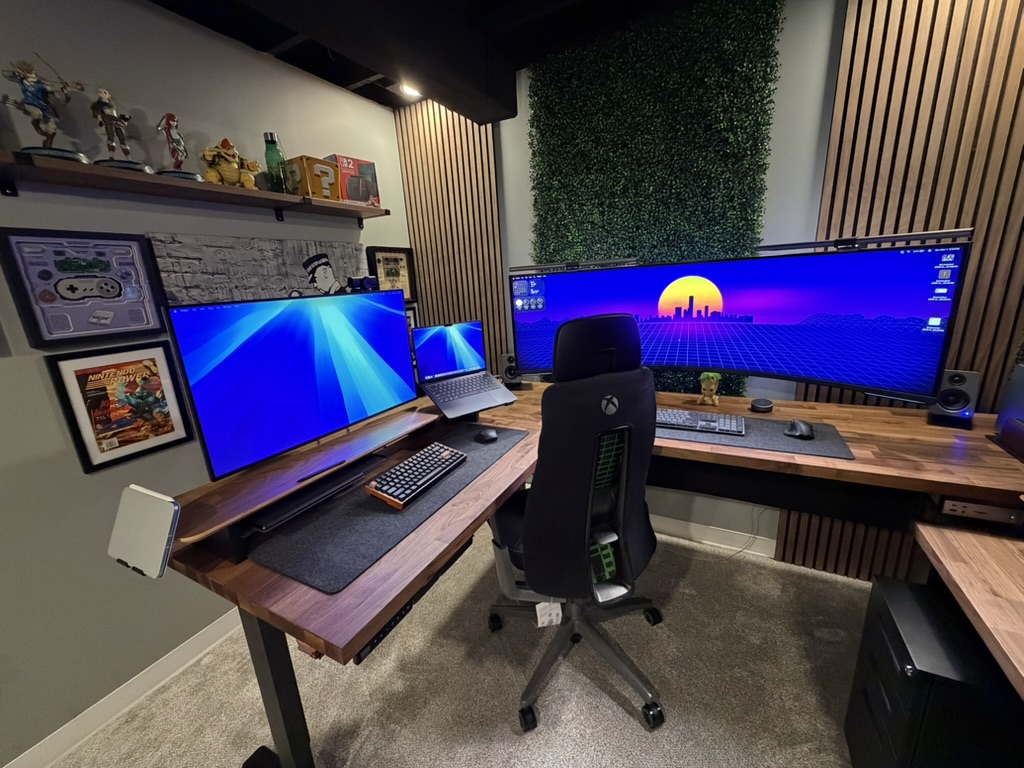
The output turned into this result! I did a bunch or redesign of the office too but that’s for another time.
In Summary
I would lay it out like this:
- Knowing how I work and what my needs are potentially going to be over the long term helps with planning
- Controlling costs by shopping my house for cables, arms, and accessories keep me from spending money on things I don’t need
- The M5 Pro MacBook Pro is a well balanced portable powerhouse that will fit almost anyone except for those with highly advanced workloads for AI, Engineering, or Creative work
- Balance Form and function based on you. Not anyone else.
- Use other setup ideas to generate your ideas but always ask yourself, how will this impact my workflow


 Practical Offices
Leave a comment